- In Shopify admin go to Online Store → Themes.
- Under Theme library choose Add theme → Upload zip file.
- Select the ONGO Centre theme .zip you received and wait for the upload to finish.
- Click Customize to preview before publishing — nothing changes on your live store yet.
- When you are happy, open the ⋯ menu on the theme and choose Publish.
Ctrl K
Shopify guide
The basics, for every ONGO theme.
These steps apply to all ONGO Centre Shopify themes. For section-by-section instructions, open a theme manual below.
 Interact Story Store — Donuts11 chapters →
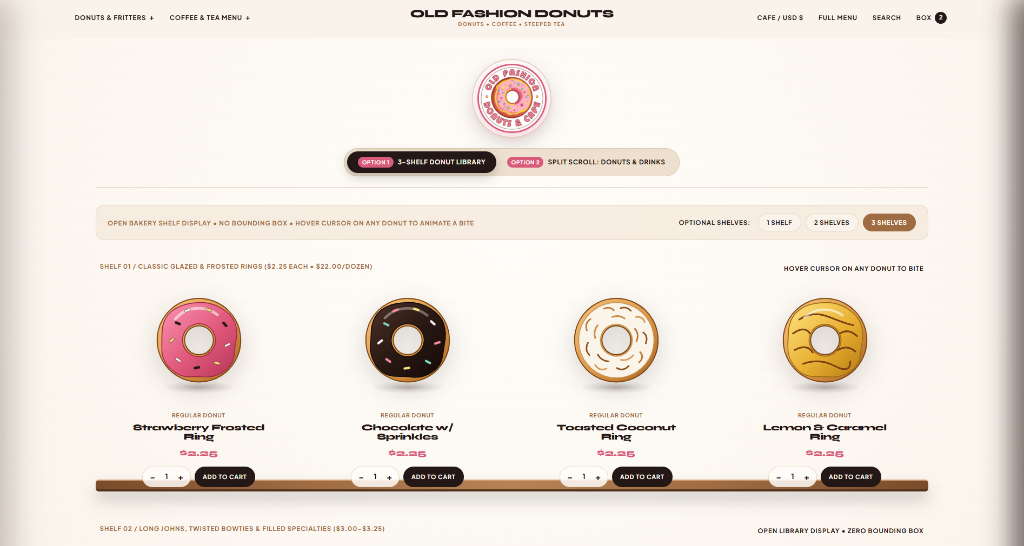 Interact Story Store — Donuts Café9 chapters →
 Story Tea9 chapters →
 MENBAGS — Luxury Video Splash9 chapters →